Cruise details
Plancode: 10-750
Map
Trips
Trip 06 Dec 2010
| ID | Name | Action | Station | Start Time | Start Lat | Start Long | Stop Time | Stop Lat | Stop Long | Note | Actions |
|---|
Retrieving Underway Data
Underway data is now available through the Lifewatch Data Explorer. Here you can view and download data. Data is available in 4 different sample periods. 1 day, 1 hour, 10 minutes, 1 minute. Press the underway data button and select a sample size. It will take you directly to the explorer.
Data Explorer Manual
To retrieve data in the Data Explorer go to the Download tab.
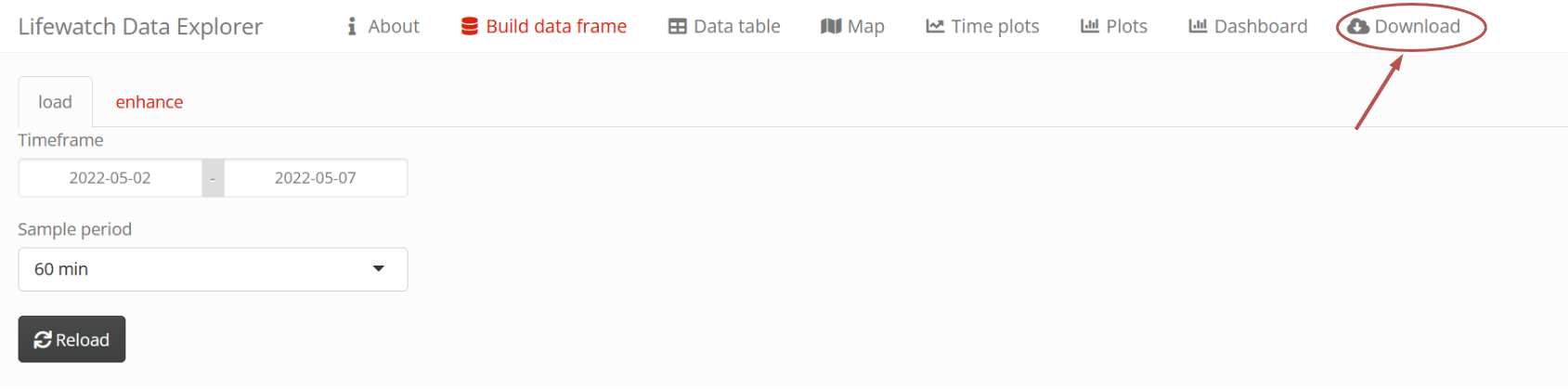
Press the To File button to start the download.

Trip 07 Dec 2010
| ID | Name | Action | Station | Start Time | Start Lat | Start Long | Stop Time | Stop Lat | Stop Long | Note | Actions |
|---|
Retrieving Underway Data
Underway data is now available through the Lifewatch Data Explorer. Here you can view and download data. Data is available in 4 different sample periods. 1 day, 1 hour, 10 minutes, 1 minute. Press the underway data button and select a sample size. It will take you directly to the explorer.
Data Explorer Manual
To retrieve data in the Data Explorer go to the Download tab.
Press the To File button to start the download.